One-step photo-to-sketch conversion
Upload and generate without picking a style or writing a prompt.
Omni Editor / Image to Sketch
Turn a photo into a detailed graphite pencil drawing in one step. Upload one image and create the sketch without choosing a style or adding a separate reference image.
Result
Your pencil sketch will appear here
Upload one image and create a detailed monochrome drawing.
Image to Sketch examples
Drag each comparison to see how the AI sketch converter preserves the subject, pose, and composition while rebuilding color and light as graphite linework.
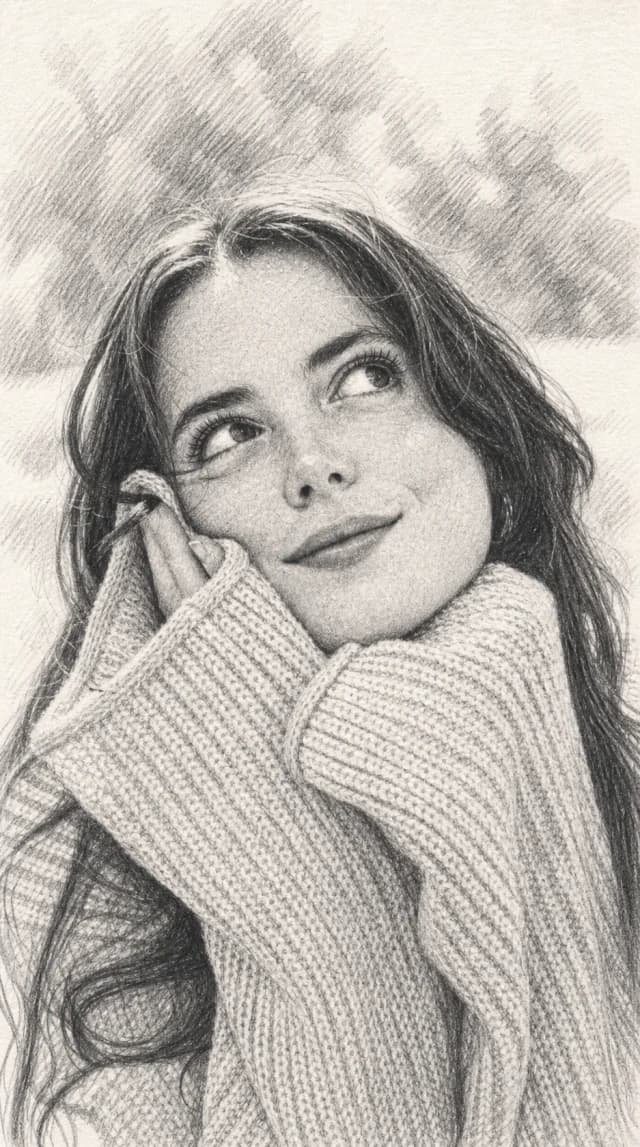
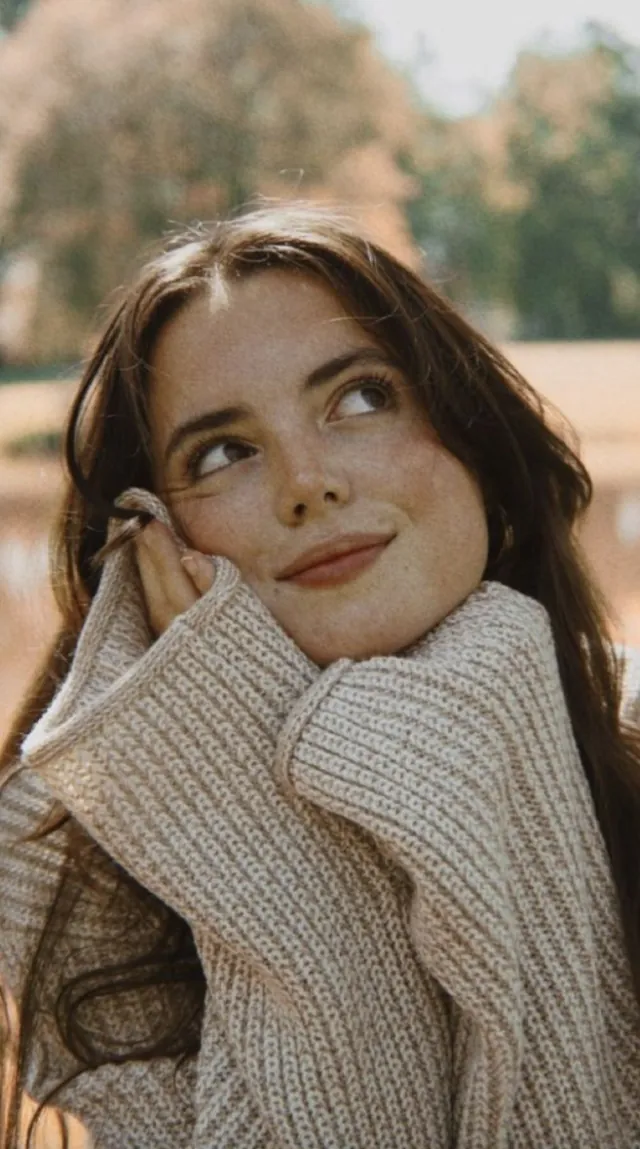
Preserves facial features, gaze, and knitted texture while translating the outdoor background into graphite shading.

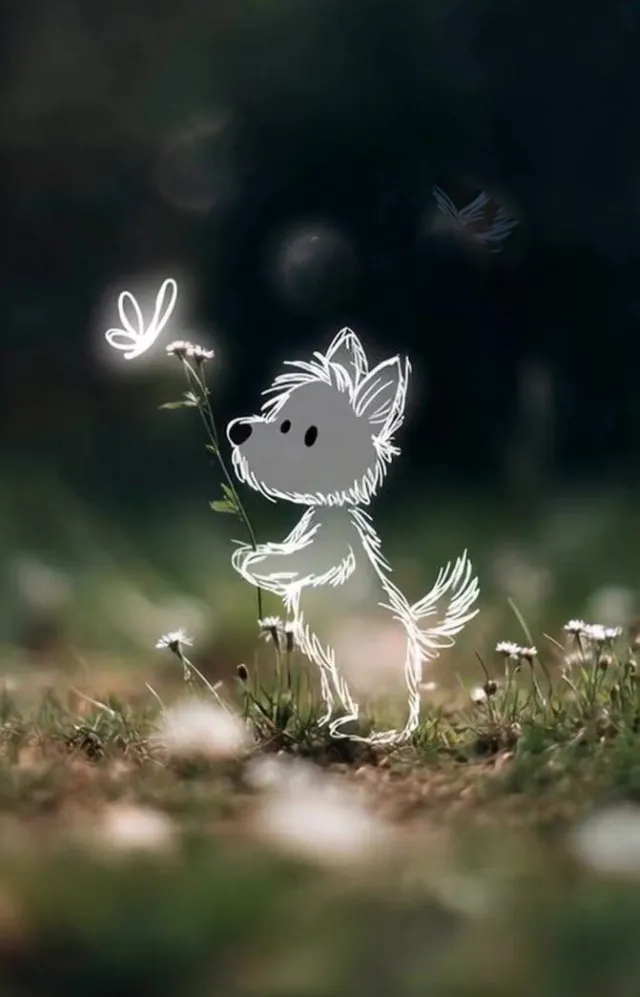
Keeps the dog, flower, and meadow recognizable with soft graphite texture and layered pencil shading.
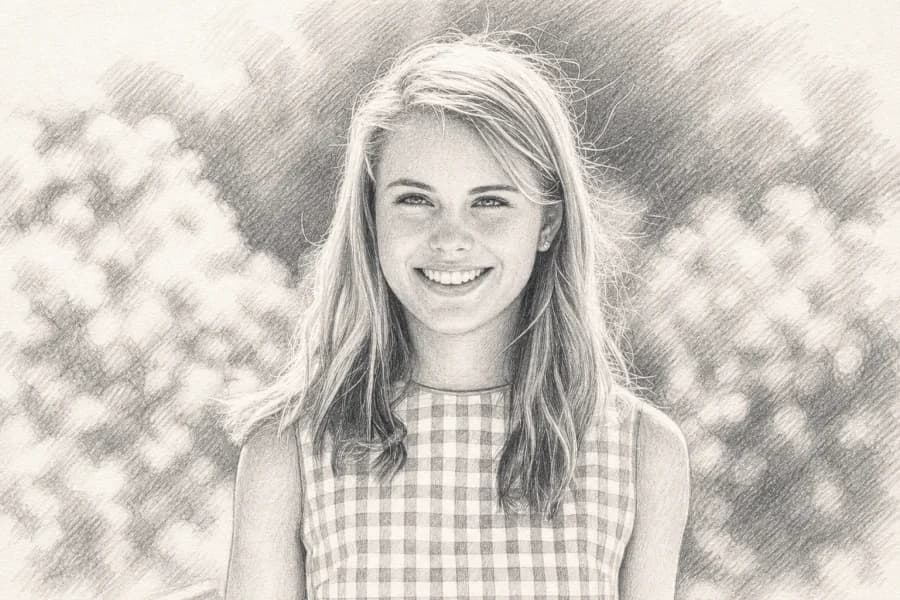
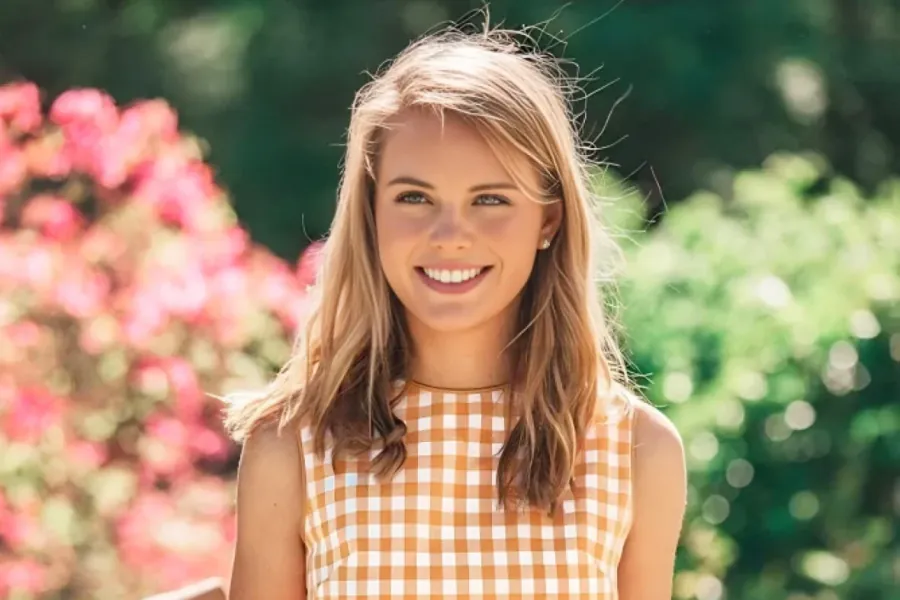
Converts the subject, checked clothing, flowers, and garden light into clear monochrome pencil linework.
Photo to sketch workflow
Choose one portrait, object, pet, or scene.
AI translates the image into pencil linework.
Preview the result and save your finished sketch.
How photo-to-sketch conversion works
The photo-to-sketch tool converts an existing image into a hand-drawn pencil look while keeping the source composition recognizable. The model interprets important edges, facial features, shapes, and shadows before rebuilding them as graphite-style linework.
This AI sketch workspace removes the usual prompt and preset decisions. It is useful when you need a drawing reference, monochrome concept, keepsake, or pencil version of a photo without learning image-editing software.
AI sketch generator benefits
Upload and generate without picking a style or writing a prompt.
Work with portraits, pets, products, architecture, and everyday scenes.
Get clear contours, controlled shading, and a monochrome paper finish.
AI pencil sketch result tips
A photo-to-sketch result is shaped by the edges, lighting, texture, and visual hierarchy in the source. A readable photo and clear priorities help the model create cleaner graphite lines and useful tonal shading. The finished drawing is easier to reuse for portraits, keepsakes, art studies, product concepts, and social graphics without adding unrelated details.
Keep the person, pet, or object visually separated from the background, with facial features and major shapes visible. An image-to-sketch model needs that structure before drawing pencil contours. Severe blur, a tiny subject, or a busy background can create broken lines and unnecessary texture.
Soft side light, window light, and readable highlights and shadows usually convert well into graphite drawings. Balanced tonal variation helps an AI pencil sketch show facial volume, fabric folds, fur direction, product surfaces, and depth without relying on color.
Portraits depend on the eyes, mouth, hairstyle, and clothing silhouette. Products need clear shapes and materials, while pet drawings benefit from visible eyes and fur direction. Review proportions and key objects before downloading; if needed, retry with a tighter crop.
Photo to sketch use cases
Creative
Turn a photo into a simplified value and line study for your own artwork.
Personal
Create a pencil interpretation of a person, family moment, or pet.
Planning
Explore products, spaces, and subjects as early-stage monochrome concepts.
Content
Use a sketch result as distinctive artwork for social posts and profiles.
AI sketch generator FAQ
Try the AI sketch generator
Return to the AI sketch generator, upload one photo, and create a detailed graphite drawing for portraits, pets, products, or creative studies.