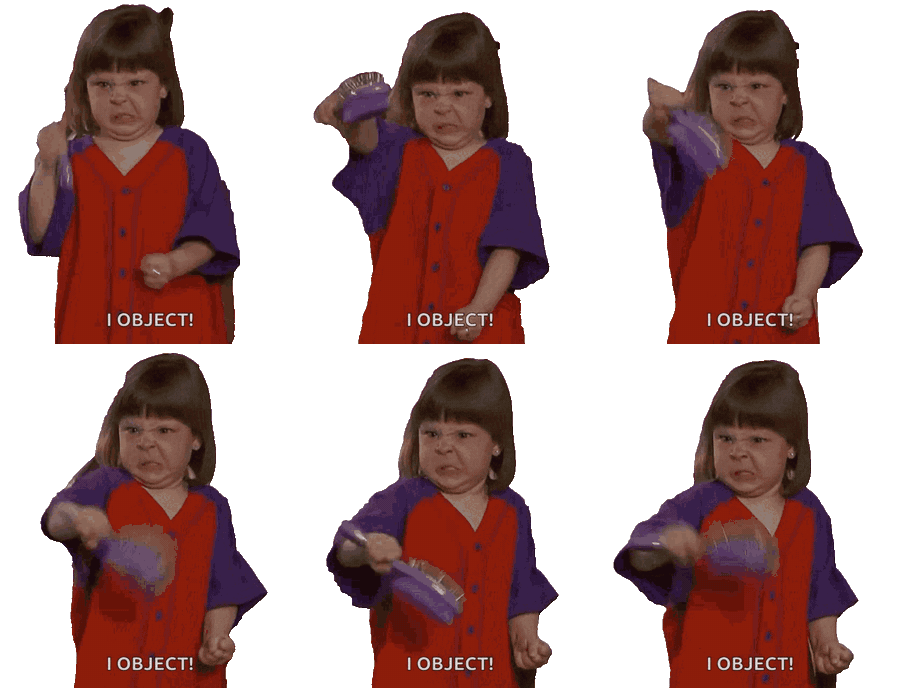
See how the AI GIF Background Remover isolates people, characters, and meme reactions. Each transparent GIF keeps moving while the original scene is removed from the loop.
Before
Transparent
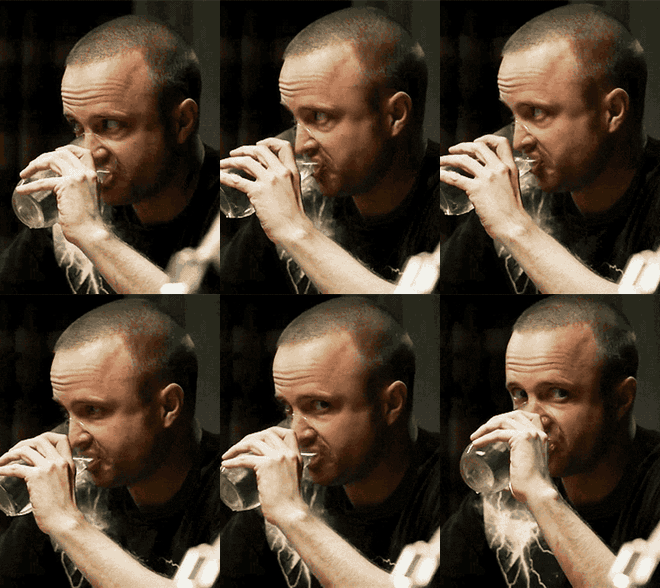
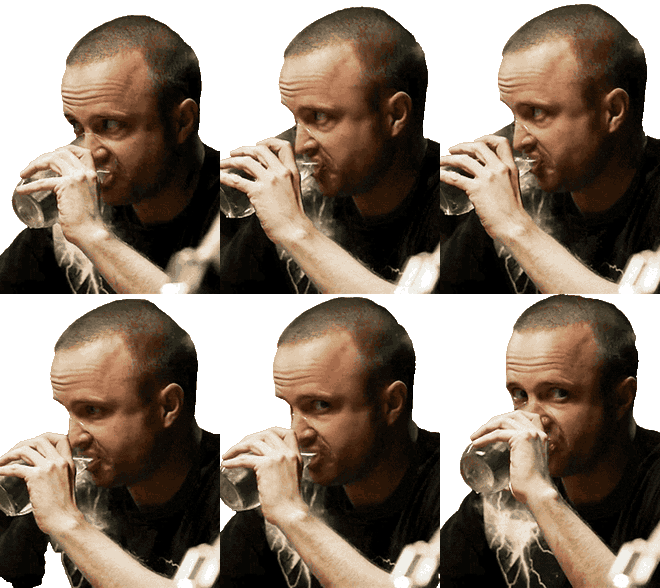
Breaking Bad reaction GIF background removal
Remove the room behind a live-action reaction while keeping the face, hands, glass, and four-second loop ready for reuse.
Before
Transparent
Character GIF Background Remover result
Isolate an animated character while preserving the short loop and recognizable expression.
Before
Transparent
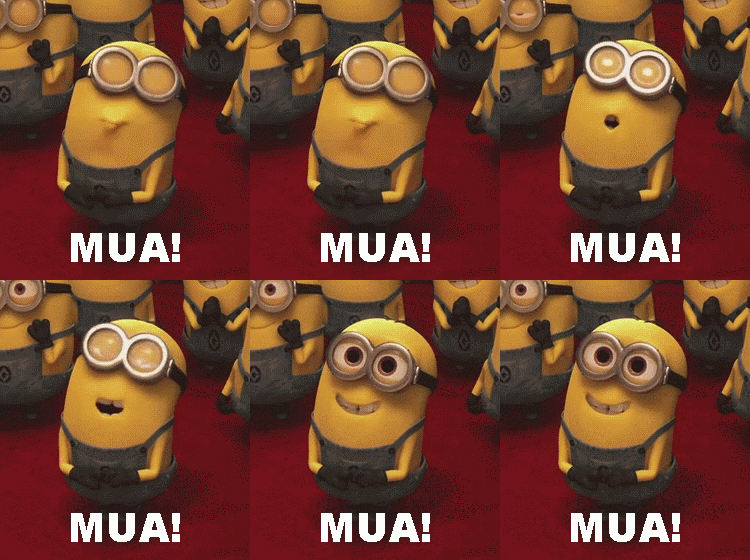
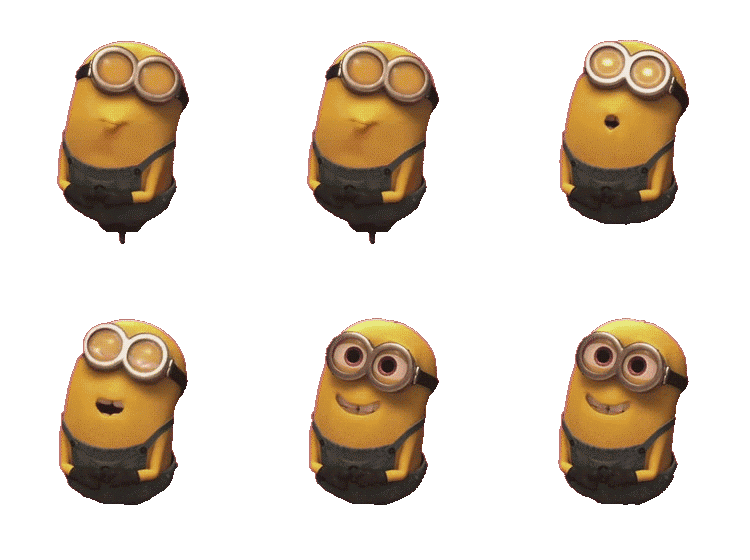
Transparent meme GIF after background removal
Turn a full-frame meme clip into a transparent GIF that can be placed over a new scene.
Remove a GIF background
Make a transparent GIF without losing the loop.
GIF Background Remover processes the motion across the uploaded GIF instead of treating it as one still image. The AI follows the main subject through the loop, removes the surrounding background, and prepares a transparent GIF for download.
Use GIF background removal for reaction GIFs, transparent stickers, meme cutouts, character loops, chat replies, presentations, and video overlays. The checkerboard result preview makes it easy to inspect the transparent background before exporting the GIF.
AI subject isolation across the GIF loop
Transparent GIF result and replay preview
People, characters, memes, and reaction GIFs
One-click GIF background removal and download
Cleaner transparent GIF results
How AI GIF background removal handles motion.
Removing a GIF background is different from cutting out one photo. The subject changes position, shape, and lighting from frame to frame, so a useful transparent GIF needs consistent edges across the complete loop.
01
GIF Background Remover subject tracking
The AI GIF Background Remover follows the main person, character, or object as it moves. This reduces distracting flashes where parts of the old background briefly return between frames and helps the transparent result feel like one continuous animation.
02
GIF background removal for changing edges
Hands, hair, clothing, props, and facial movement can create a different silhouette in every frame. GIF background removal evaluates those changing boundaries throughout the loop instead of applying one fixed cutout to the entire file.
03
Choose a stronger GIF for background removal
Choose a GIF with a visible subject, useful contrast, and limited compression artifacts. A clean source makes it easier to remove the background from the GIF while preserving recognizable details in the transparent output.
Transparent GIF uses
Ways to use a transparent GIF after background removal.
Once the background is removed, the transparent GIF can sit over a different color, image, slide, video, or interface without carrying the original rectangular scene with it. This makes the result easier to combine with existing content without rebuilding the animation from scratch.
Messages
Transparent reaction GIFs and replies
Create a focused reaction that can be reused in chats, community posts, and social replies without an unrelated background.
Creative
Transparent GIF stickers and memes
Convert characters, gestures, and meme moments into transparent GIF elements for edits, collages, and sticker-style content.
Presentation
Transparent GIFs for slides
Place a transparent GIF over branded slides or diagrams while keeping the motion readable and the layout visually clean.
Production
Transparent GIF video overlays
Use the GIF cutout as a lightweight moving overlay when preparing short videos, stream scenes, or motion mockups.
FAQ
Questions about GIF Background Remover.
Create a transparent GIF
Remove the background from your GIF.
Return to the GIF Background Remover, upload a loop, and download the transparent result.