AI photo enhancement for clearer details
Recover cleaner edges and visible texture from moderately soft or compressed source images. This can make faces, hair, fabric, product surfaces, and background elements easier to inspect at a larger size.
Omni Editor / AI Enhancer
Improve image quality online, recover cleaner detail, and create a sharper 2x photo without changing the original composition.
Source image
Enhanced result
Review the enhanced image before download.
Your enhanced image will appear here
Upload an image to begin.
AI Photo Enhancer examples
Compare low-resolution source images with the 2x AI Image Enhancer results to inspect changes in facial detail, hair, texture, contrast, and image clarity.
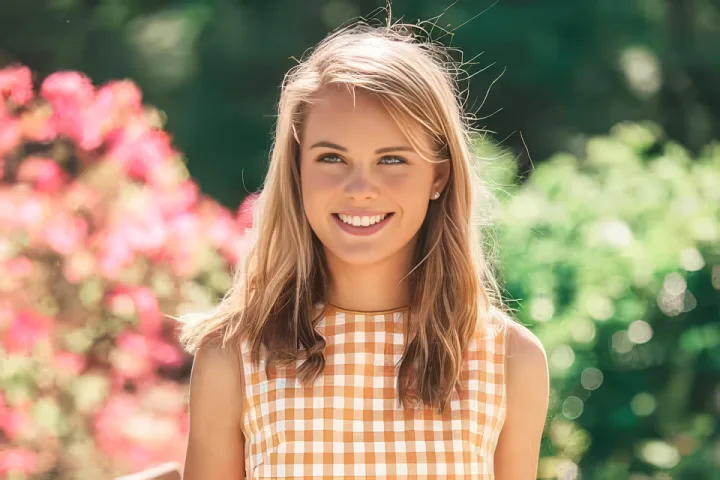
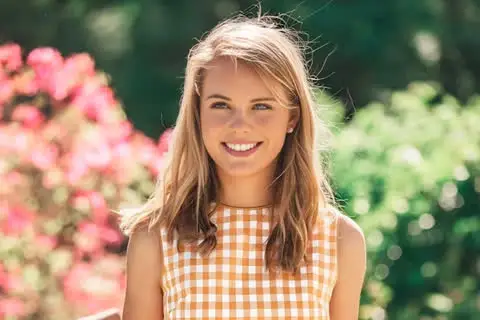
The AI Photo Enhancer recovers cleaner facial features, hair strands, clothing edges, and background detail from the softer 480×320 source.
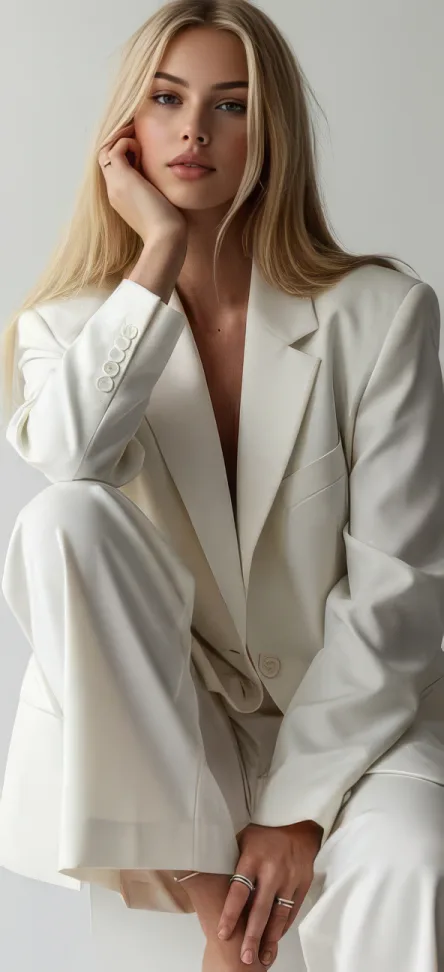
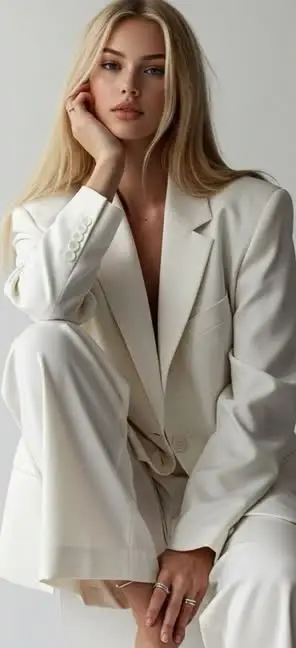
Compare facial features, hair, fabric edges, and tonal detail before and after the 2x AI Image Enhancer result.
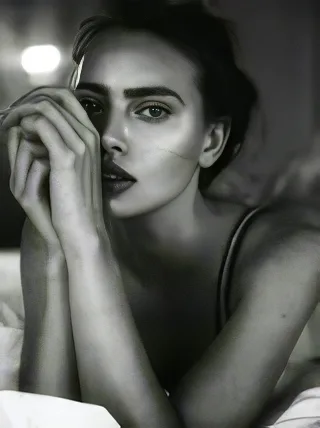

See how the AI Photo Enhancer improves eye detail, skin texture, hair edges, and grayscale contrast in a small photo.
AI Photo Enhancer workflow
Choose a JPG, PNG, or WebP image for AI photo enhancement.
AI Photo Enhancer restores detail and creates a cleaner 2x image.
Review the AI Image Enhancer result and download the PNG.
About AI Photo Enhancer
AI Photo Enhancer improves low-resolution, soft, or compressed images while keeping the original subject and composition recognizable. The model analyzes edges, texture, faces, contrast, and color relationships before creating a cleaner 2x result that is more useful for sharing, design work, and archiving.
Use the online AI Image Enhancer when a basic resize would only make pixels larger. AI enhancement can sharpen visible details, reduce distracting noise and compression artifacts, restore clearer facial contrast, and upscale the photo into a downloadable PNG without requiring manual editing controls.
Image quality problems often come from small source dimensions, social media compression, older phone cameras, scans, repeated downloads, or aggressive cropping. The AI Photo Enhancer is useful when the original photo is still recognizable but needs more resolution and definition. It cannot recreate every detail missing from a severely blurred image, but a clear subject and stable lighting give the model a stronger foundation for a natural enhancement.
AI Photo Enhancer benefits
Recover cleaner edges and visible texture from moderately soft or compressed source images. This can make faces, hair, fabric, product surfaces, and background elements easier to inspect at a larger size.
Increase image dimensions while using AI enhancement instead of a simple pixel resize. The 2x result adds useful working resolution for layouts, crops, presentations, and online publishing.
Upload one image and let the AI Photo Enhancer apply a balanced detail and quality treatment. There is no need to choose a model, tune sharpening strength, or configure separate face-recovery controls.
AI Photo Enhancer use cases
Personal
Improve small family photos, scanned pictures, and compressed images before saving, printing, organizing, or sharing them again with clearer visible detail.
Social
Create a clearer source for profile pictures, social posts, channel graphics, thumbnails, and community content that may be viewed across several screen sizes.
Commerce
Refine product edges, labels, surfaces, and small details for listings, catalogs, presentations, and sales materials where image clarity supports comparison and trust.
Creative
Upscale a reference image before using it in presentations, mood boards, thumbnails, visual mockups, or other design work that needs a larger source file.
FAQ
Improve image quality
Return to the AI Photo Enhancer, upload a low-resolution image, and download the cleaner 2x PNG result.