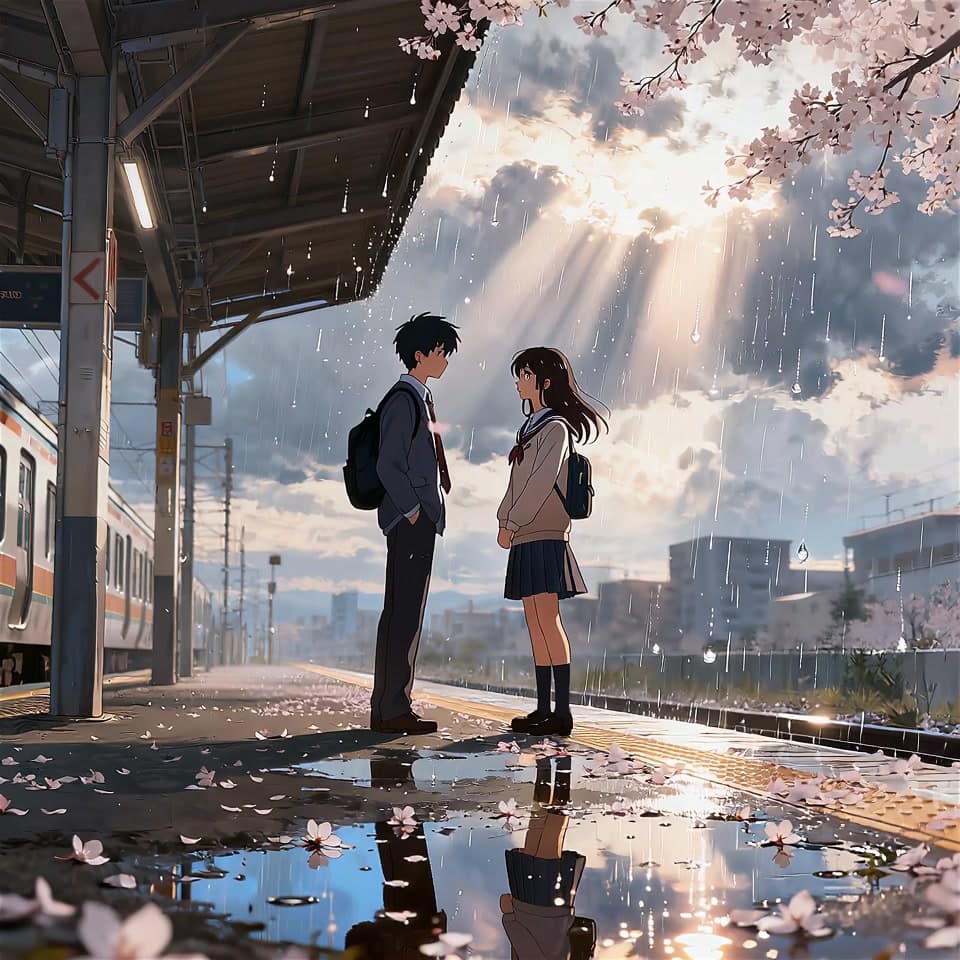
 Camera motion
Omni Video Generator
Turn a still image or a text prompt into a short video with directed motion.
Your images stay private · Your files are used only for this preview.
Omni Video Generator
Give a still image its next scene.
Describe the movement, camera, and atmosphere you want to see, then shape a short clip from your source.
Camera motion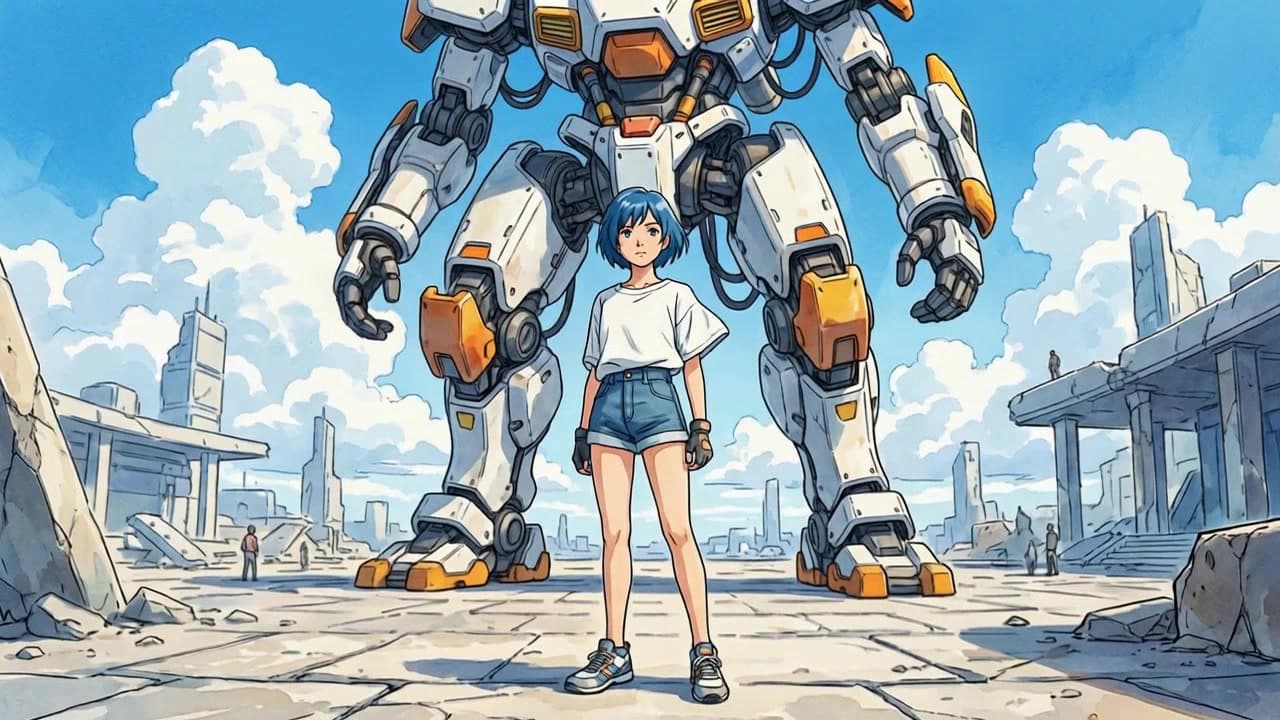 Character motion
Give a character a gesture, expression, or change of pose.
 Social clip
Turn a still moment into a short clip ready to share.
A focused workflow
From still frame to motion.
Start with the frame, define the movement, and keep the visual identity in view while you iterate.
- 01
Choose a source frame
Upload a photo, illustration, or generated still.
- 02
Describe the motion
Name the camera move, subject action, and atmosphere.
- 03
Generate a short clip
Review the motion draft and refine the timing or direction.
Image-to-video motion
Built into the same calm Omni workspace.
Camera and subject direction
Built into the same calm Omni workspace.
Short-form clip iteration
Built into the same calm Omni workspace.
Useful answers
Before you generate.
Ready to make a first pass?
Bring a prompt or reference into the workspace.